

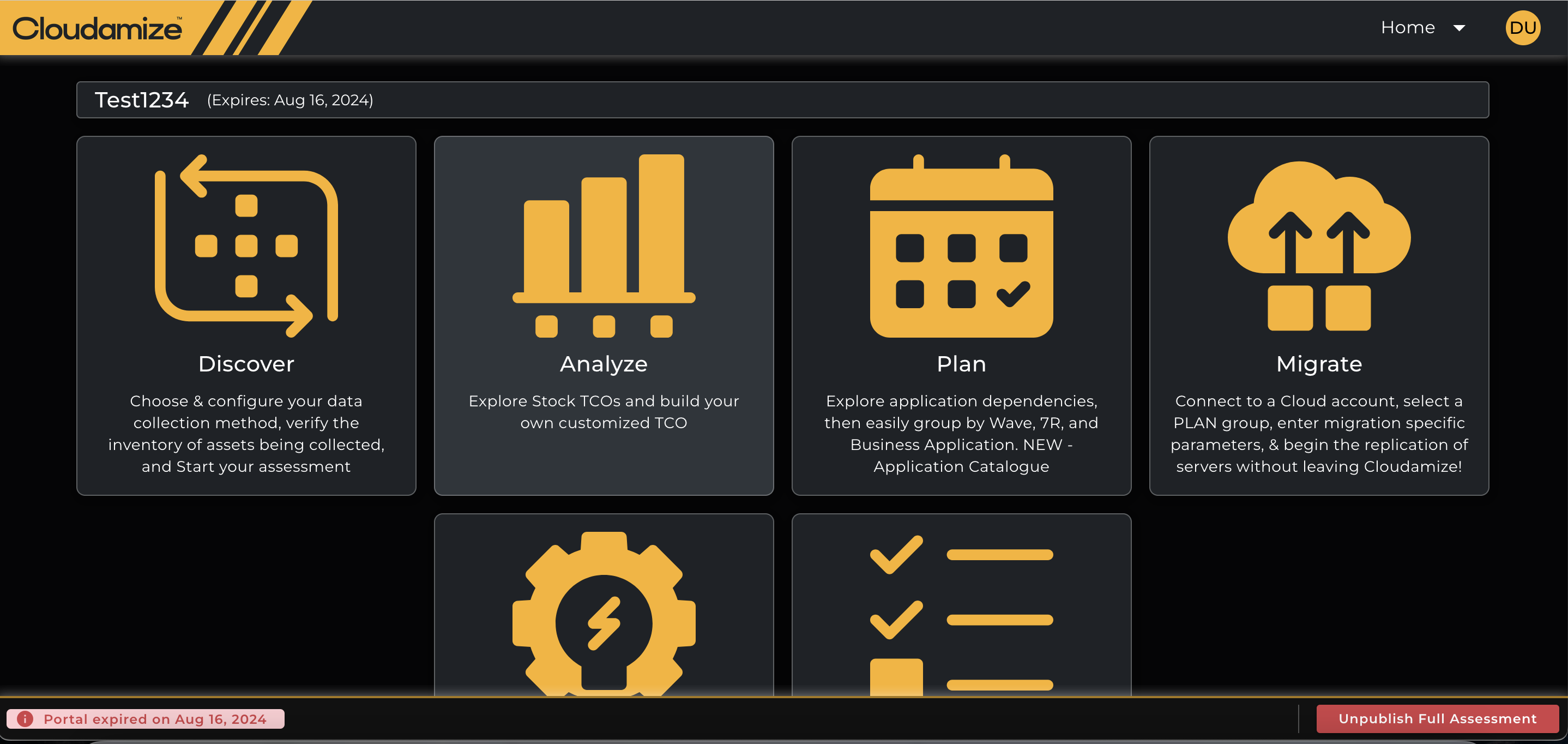
As of March 2025, Cloudamize are making the New UI (console-lite) as the default UI for the Cloudamize console.
Whats Changing ?
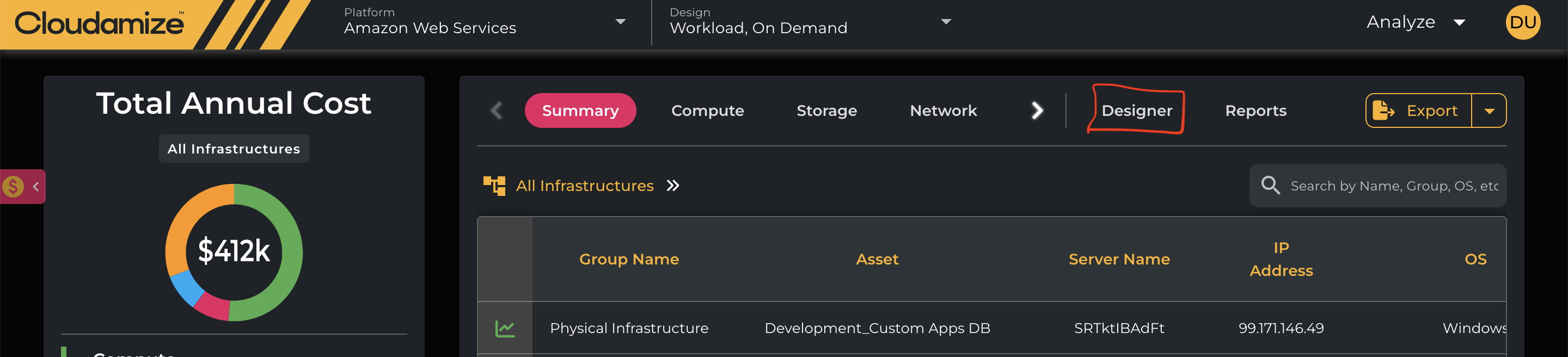
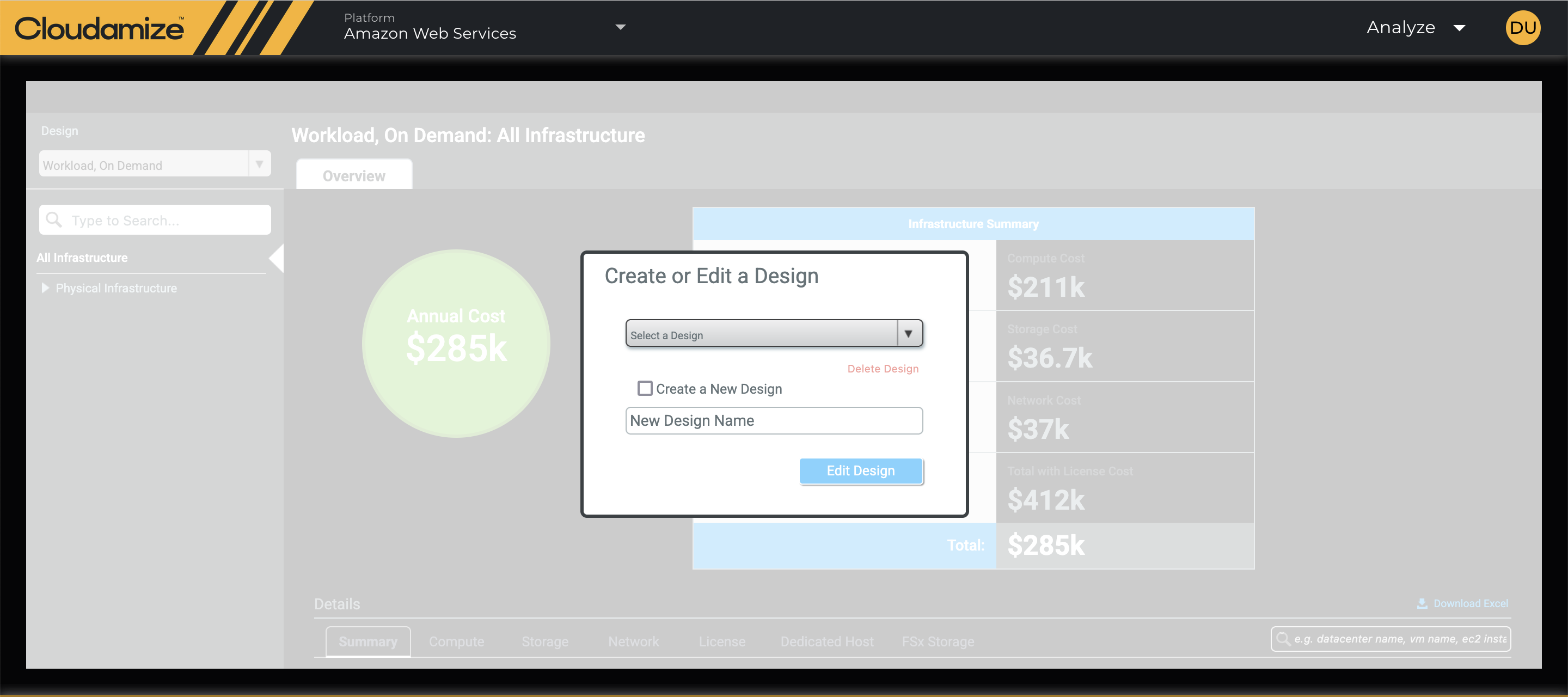
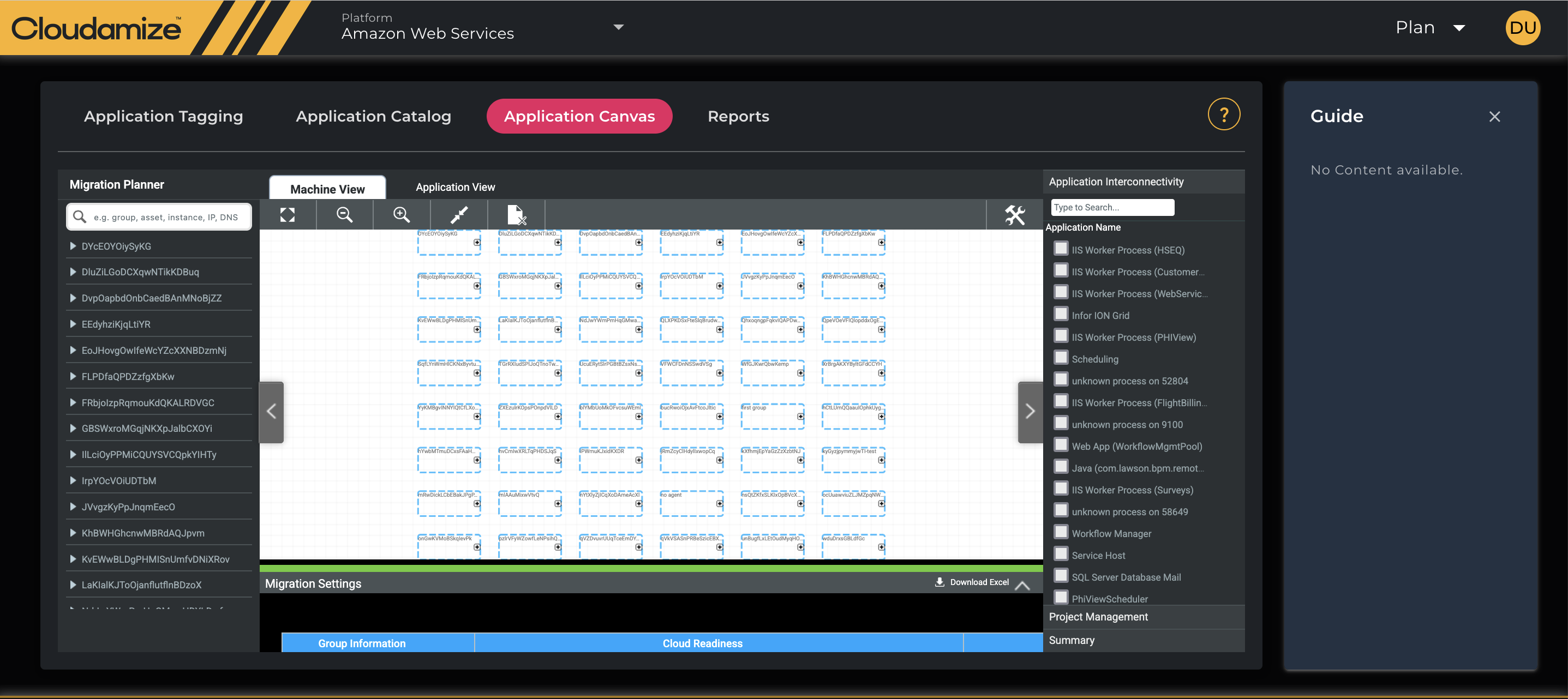
As part of transitioning to the New UI, Cloudamize are limiting access to the Classic Console by making the New UI the default. As of this release, features that were previously only supported on the Classic Console - Designer and Migrator Canvas - will be accessible from the new UI itself. This change renders the Classic Console entirely redundant.
As a result:
-
The “Switch to old UI button” will no longer appear anywhere on the new UI
-
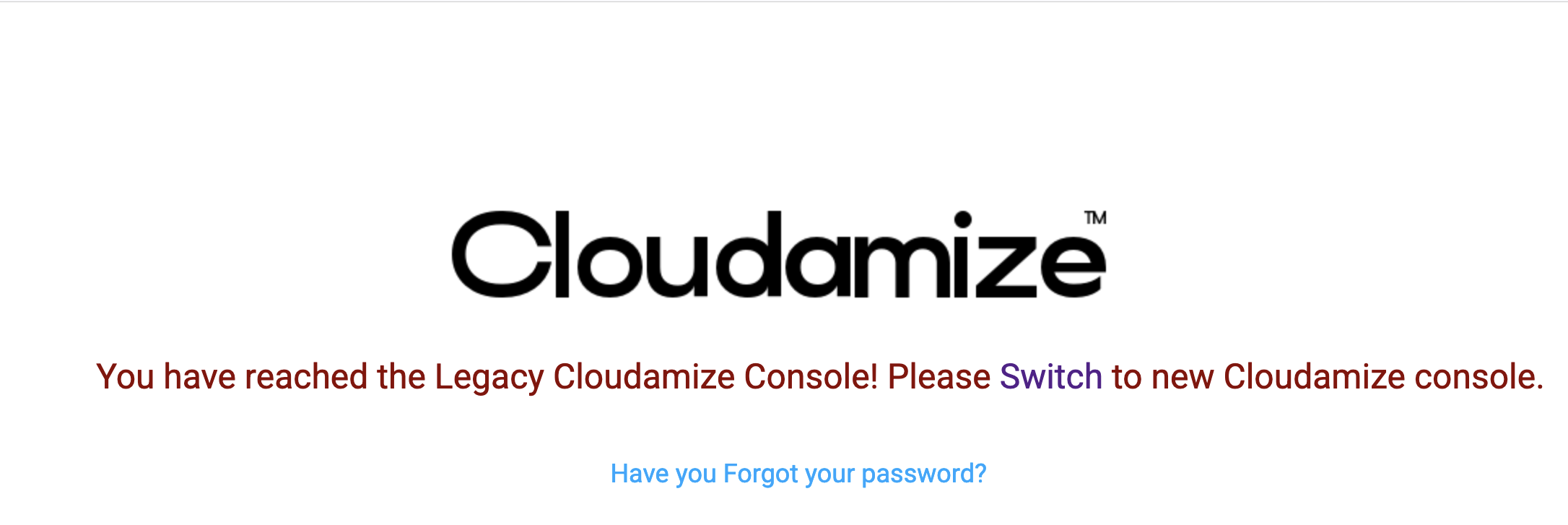
Attempting to access the old UI URL’s will display appropriate messages and a link to navigate to the new UI
If you have any queries about the new UI functionality please refer to our KB documentation, or contact the technical helpdesk.