

Overview
This KB Article provides a comprehensive overview of the Cloudamize dashboard, detailing each of the main sections and their functions. The dashboard serves as a central hub for all your cloud migration and management activities.
Main Navigation and Core Functions
The top section of the dashboard displays six key functions as large tiles, each representing a major phase of the cloud migration lifecycle.
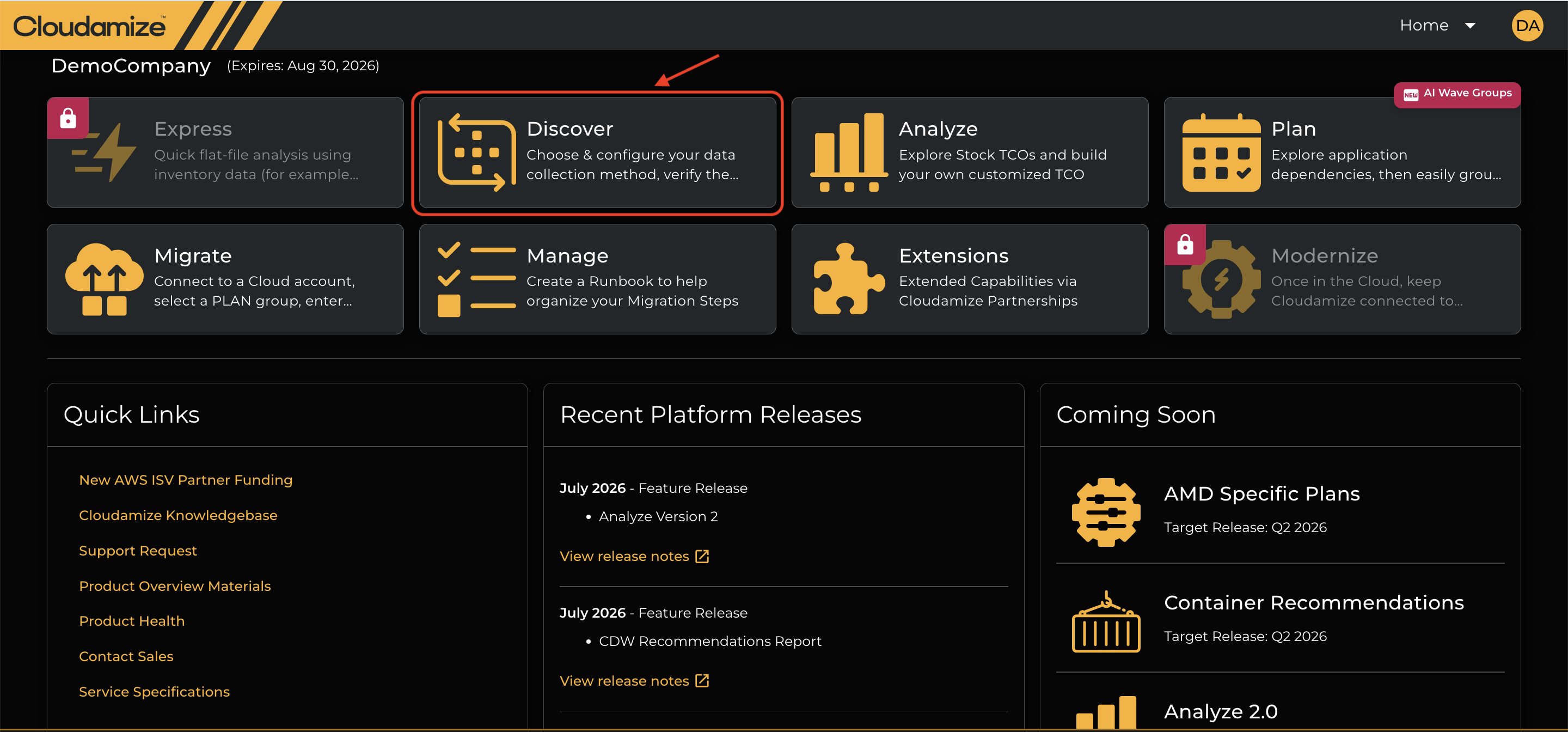
Express
The Express tile represents a fast-track, rapid cloud assessment view. It is designed to quickly generate high-level target cloud recommendations and Total Cost of Ownership (TCO) estimates without requiring an extended telemetry collection period.
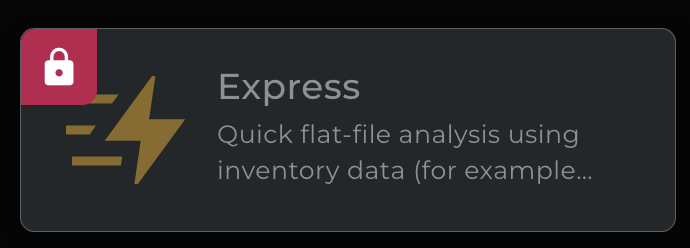
Discover
This tile is for setting up and configuring your data collection. It's the first step in the process, where you gather inventory data on your assets to start your cloud assessment.
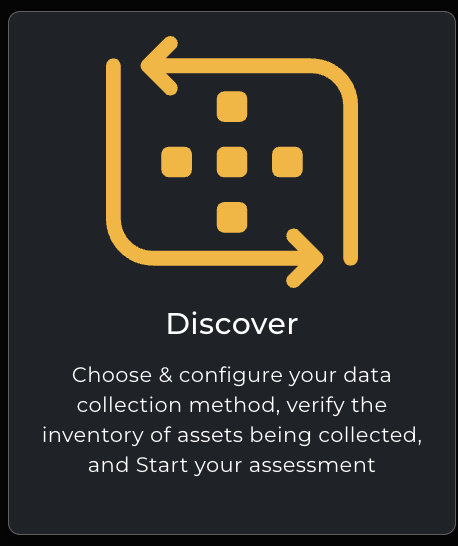
Analyze
Use this section to explore your TCO (Total Cost of Ownership) and build a customized TCO model based on your specific environment and needs.
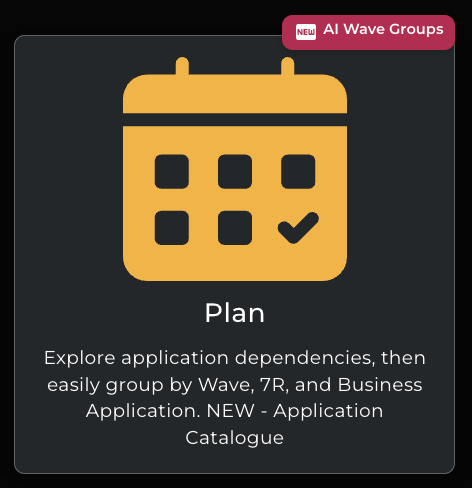
Plan
Here, you can define application dependencies and group them by wave, R7R (Rehost, Replatform, Refactor), and business application. This is where you create your application catalog.
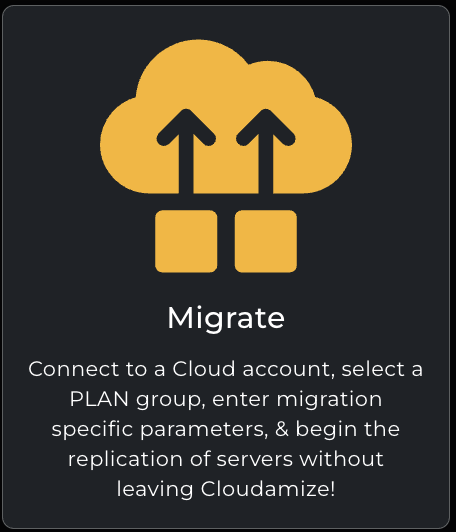
Migrate
This function allows you to connect to a cloud account, define migration parameters, and begin the replication of your servers without leaving Cloudamize.
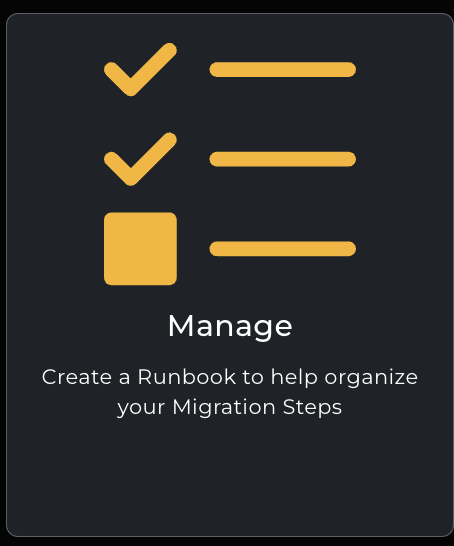
Manage
This section is for creating and managing runbooks to help organize all the steps in your migration process.
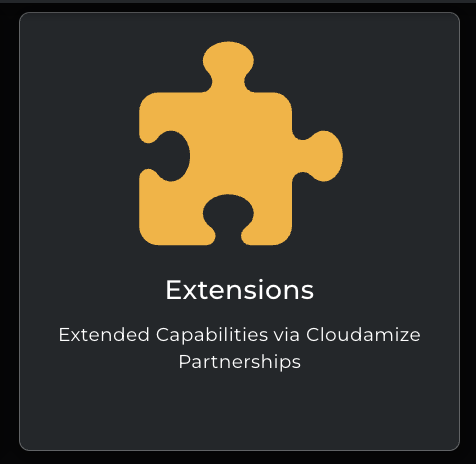
Extensions
This section helps to connect with trusted partners who can help you maximize the value of your engagement data.
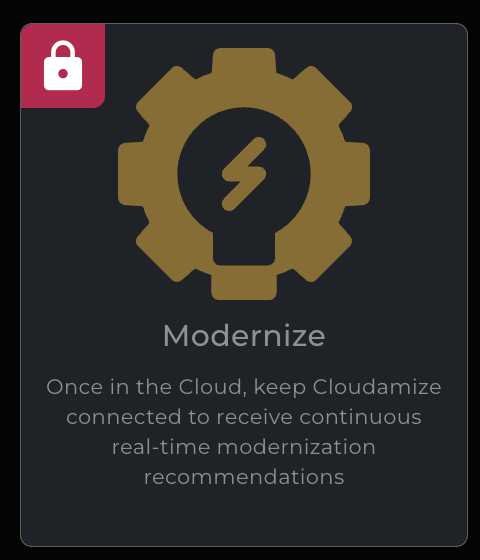
Modernize
The last tile is for keeping Cloudamize connected to your environment in the cloud. This enables you to receive continuous, real-time modernization recommendations. Note the lock icon, which indicates that this feature may have specific access requirements.
Dashboard Panels
Below the main function tiles are three distinct panels that provide quick access to key information and resources.
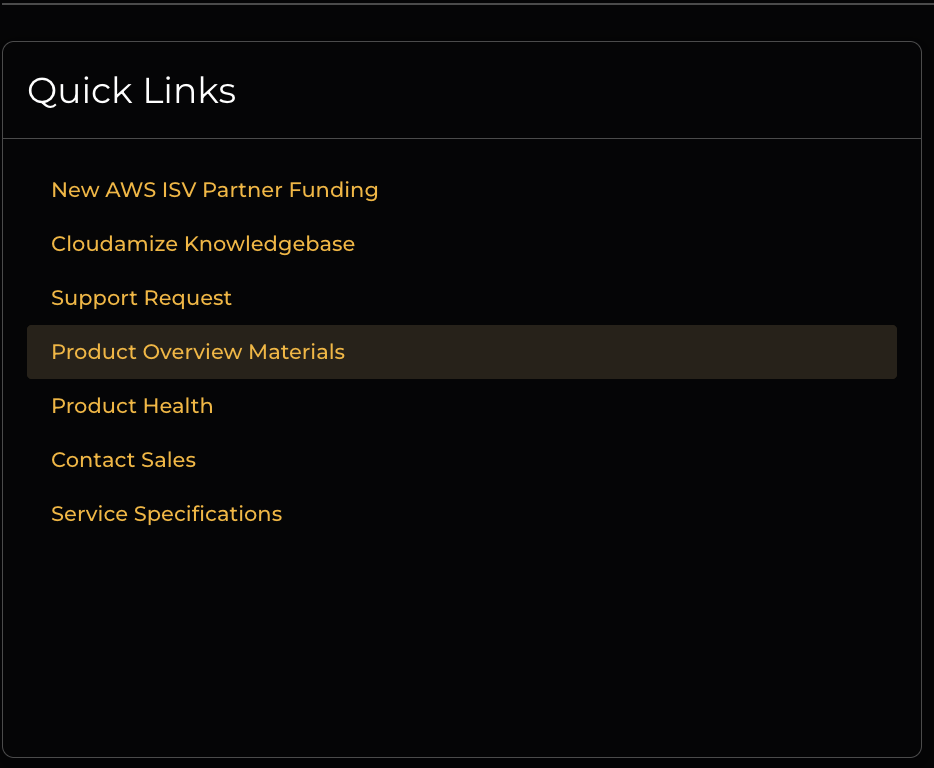
Quick Links
This panel on the far left provides fast access to important resources.
-
New AWS-SV Partner Funding: A link related to partner funding from Amazon Web Services.
-
Cloudamize Knowledgebase: A link to the official knowledge base for detailed articles and guides.
-
Support Request: A direct link to submit a support ticket.
-
Product Overview Materials: Access to documentation and materials that provide a high-level overview of the product.
-
Product Health: A link to a status page or dashboard showing the health and operational status of the Cloudamize platform.
-
Contact Sales: A link to connect with the sales team.
-
Service Specifications: Information detailing the specifications of the Cloudamize services.
Recent Platform Releases
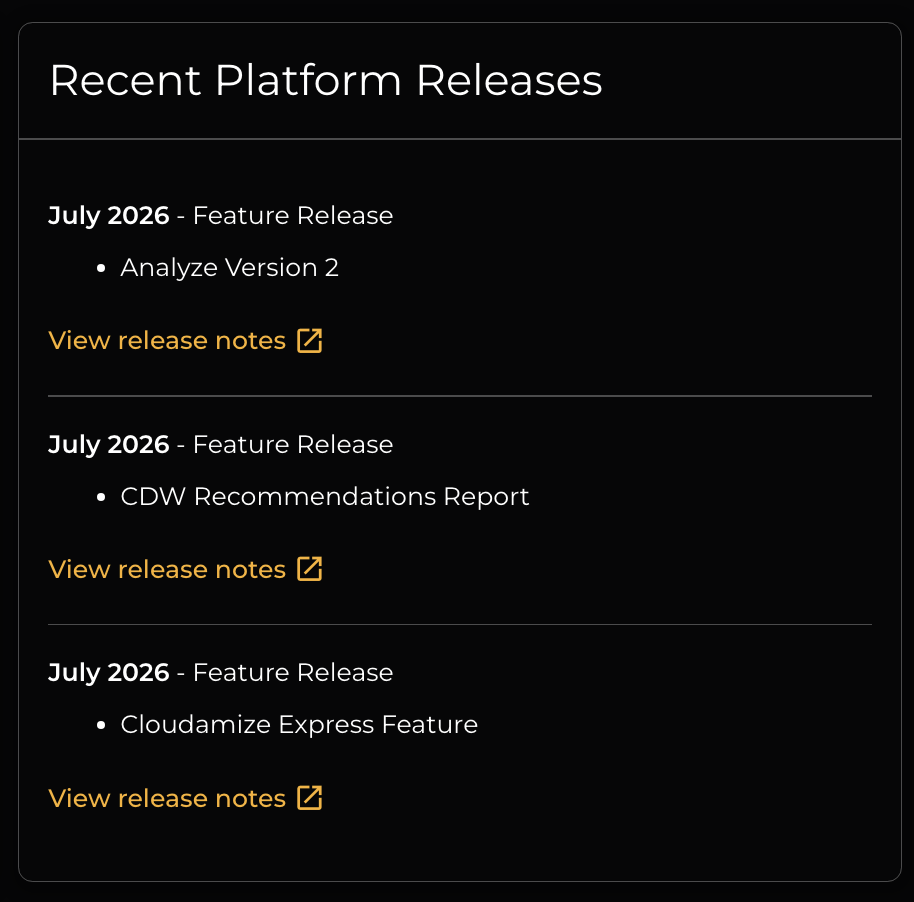
The middle panel lists recent feature releases for the Cloudamize platform, with a "More Details" link for each. The screenshot provides details on the Feature Release for 2025.
-
January 2026 - Feature Release: Details the release of the "Graviton Compatibility Analysis."
-
January 2026 - Feature Release: Details the release of the “AI Augmented Migration Grouping”
-
November 2025 - Feature Release: Details the release of the “Enhanced Migrate Flow”
Coming Soon
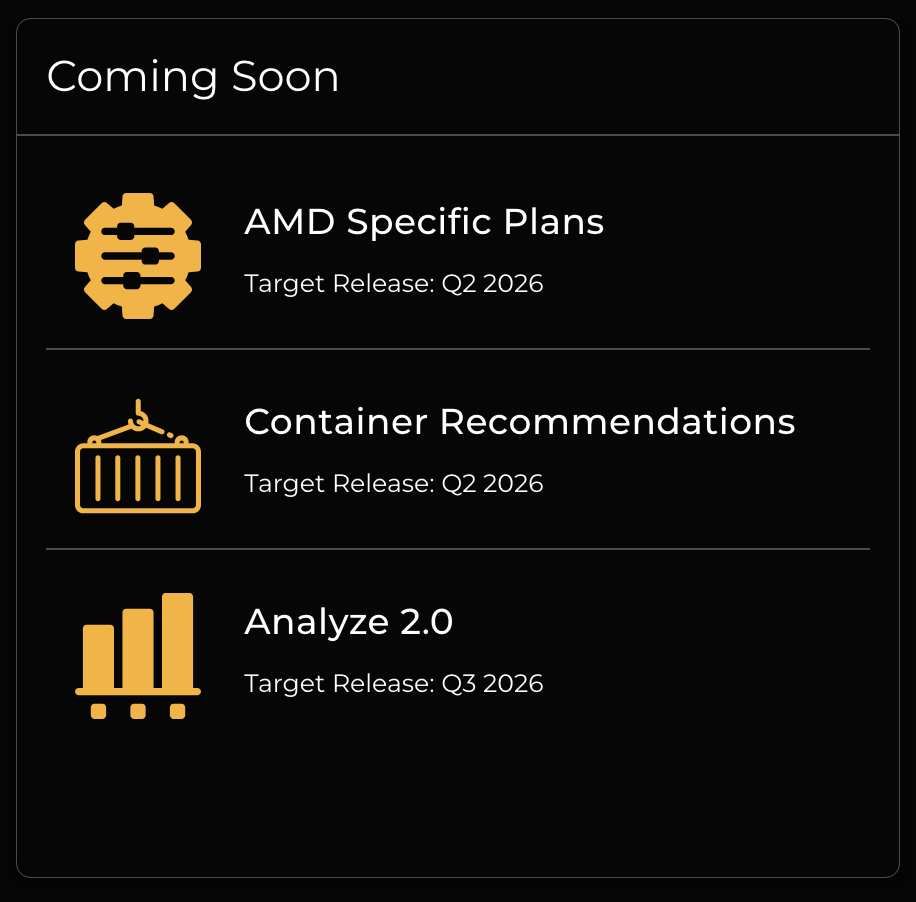
The panel on the right provides a sneak peek into upcoming features and their target release dates.
-
AMD Specific Plans: This feature is targeted for a Q1 2026 release.
-
Container Recommendations: This feature is also targeted for a Q1 2026 release.
-
Analyze 2.0: This feature is planned and targeted for a Q2 2026 release.
If you have any queries, please get in touch with the helpdesk via our Helpdesk Portal or by email at helpdesk@cloudamize.com.