

Malformed Address
You have entered a malformed IP Address.
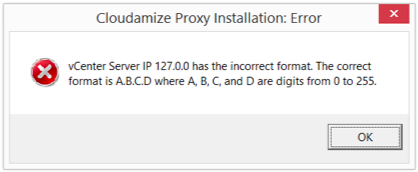
IP Addresses are 4 numbers between 0-255 with periods in between
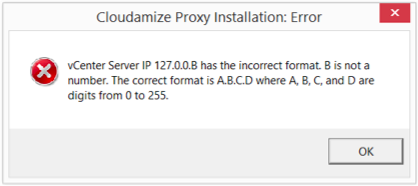
Properly formatted IP addresses only contain the numbers 0-255 and never letters or symbols.
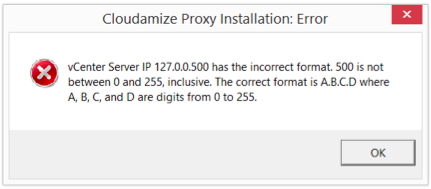
Valid IP Addresses are between 0-255, 500 is out of range.
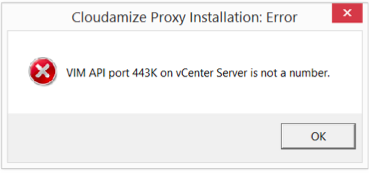
Port must be a number.
Unable to reach Cloudamize server
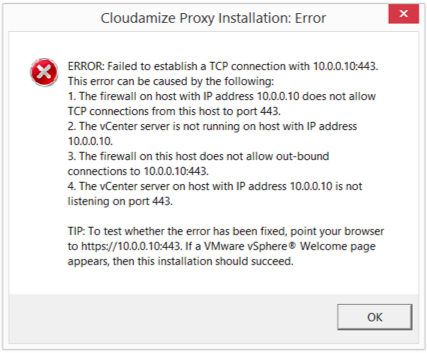
A TCP connection failure over port 443
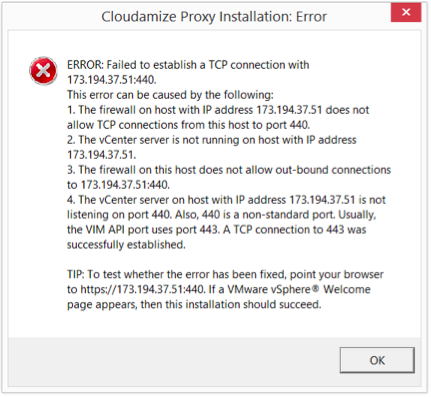
A TCP connection failure over the wrong port
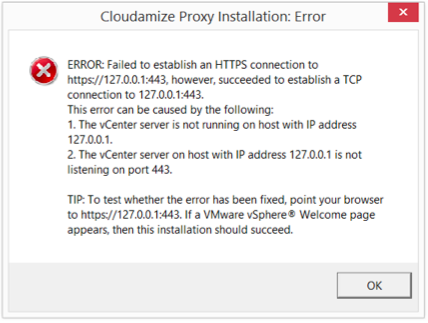
An HTTPS connection failure over 443
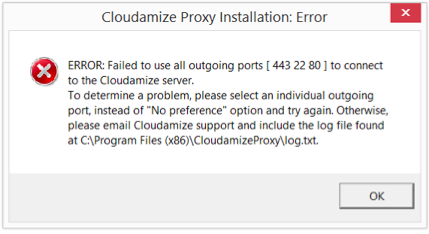
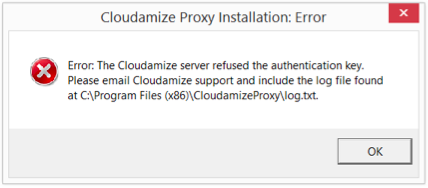
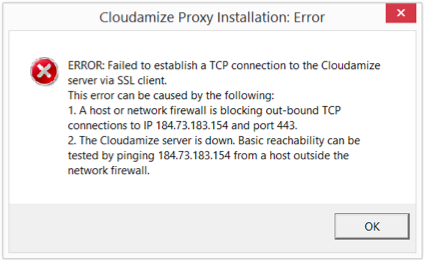
The Cloudamize installer tried to reach the Cloudamize server over 443, 22 and 80 and was unable to connect.
If you need to test the network connection, use "ping":
|
|
-
-
If you are getting this error, please contact your network administrator to get the correct IP address for your vCenter machine.
-
If you are still not able to connect after going through these steps, please contact helpdesk@cloudamize.com for further assistance.
-
Cloudamize Proxy is already installed
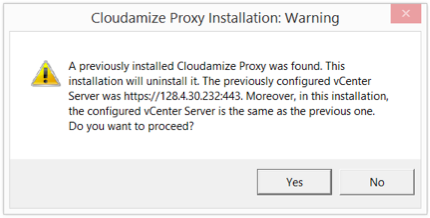
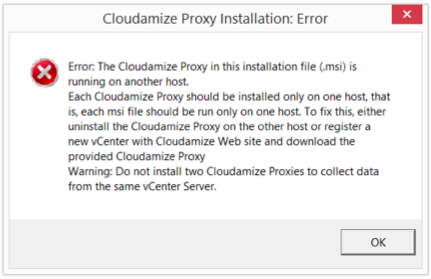
This installer was meant for a different vCenter; each vCenter MSI is specific to one vCenter. You must create a new MSI for each vCenter through the Cloudamize website.
If you have any queries, please get in touch with the helpdesk via our Helpdesk Portal or by email at helpdesk@cloudamize.com.