

Overview
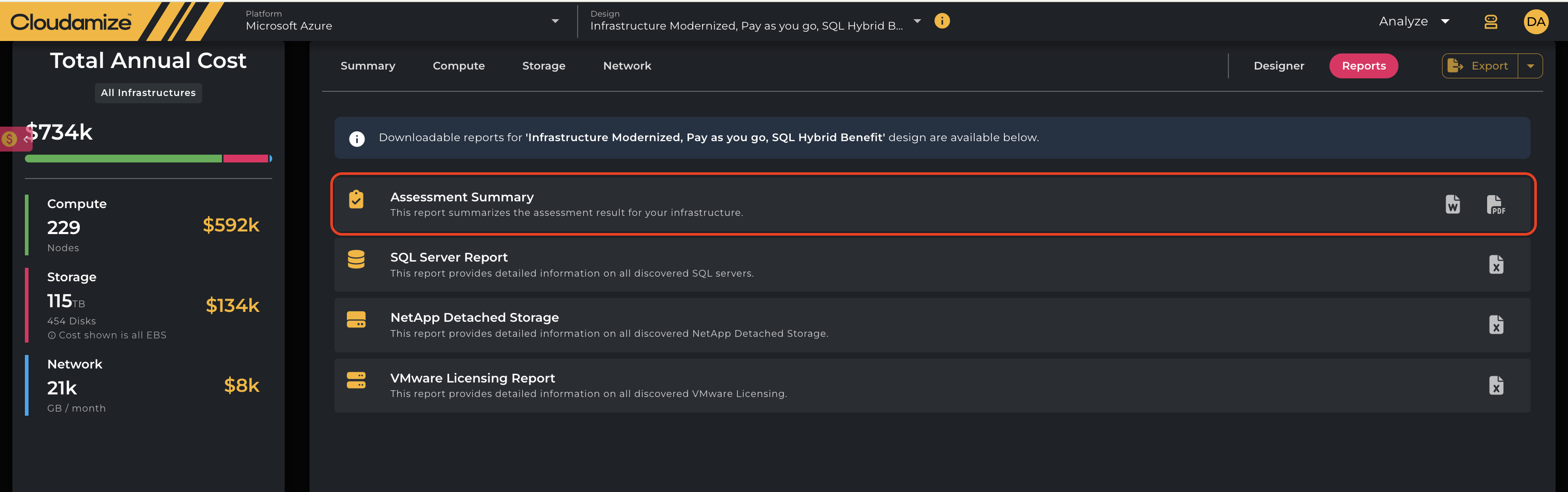
The Assessment Summary Report is a downloadable PDF report available in the Assessment Reports section of Cloudamize. This report provides an executive overview of the Azure cloud migration business case, helping stakeholders evaluate target Azure architectures, projected TCO across pricing plans, software lifecycles, and resource utilization bottlenecks.
Accessing the Report
-
Log in to your Cloudamize console.
-
Navigate to Analyze > Azure Results > Reports.
-
Select Assessment Summary from the list of available reports.
-
Click Download PDF.
Report Structure & Section Descriptions
|
Section / Category |
Description |
|---|---|
|
Assessment Overview |
Summarizes total server inventory, discovery method breakdowns (agent/agentless vs. vCenter/Hyper-V), in-scope operating systems (Windows vs. Linux), total storage capacity and active utilization, discovered SQL databases, application inventory counts, scope exclusions, and evaluation timeline durations. |
|
Financial Overview & Reservation Plan Comparison |
Details annual Total Cost of Ownership (TCO) comparisons between unoptimized Lift & Shift (Pay-as-you-go) hardware models, Cloudamize right-sized configurations, and 1-Year or 3-Year Reserved Instance (RI) commitment plans. |
|
Licensing Optimization & Savings Plan Impact |
Analyzes compounding cost savings achieved by combining instance right-sizing with 3-Year Reservation commitments and Azure Hybrid Benefit (AHUB) licensing for Windows Server and SQL Server. |
|
Workload Optimization Logic & Constraints |
Outlines performance bounds (CPU, Memory, or combined CPU & Memory constraints) that restrict down-sizing, while detailing instance family transitions from hardware baseline to workload-optimized Azure VM. |
|
Storage Analysis & Optimization |
Breaks down total disk capacity, active occupancy, and recommended storage right-sizing headroom, including transitions across managed disk tiers (Standard vs. Premium Managed Disks). |
|
Zombie Server Analysis |
Identifies low-utilization servers using less than 20% capacity, categorizing them by weekly on-time usage to highlight potential on-demand cost savings through decommissioning. |
|
Microsoft End-of-Life (EOL) Analysis |
Evaluates operating system and database lifecycle risk levels (High, Medium, Low) based on Microsoft extended support end dates for Windows Server and SQL Server versions. |
Sample Report for Azure Assessment Summary: Assessment_Summary.pdf
Sample Report for Azure Slide Deck Assessment Summary: Example Cloudamize Azure Results Presentation.pptx
If you have any queries, please get in touch with the helpdesk via our Helpdesk Portal or by email at helpdesk@cloudamize.com.