

Assets
This article provides guidelines for navigating and using the Assets tabs page within your assessment.
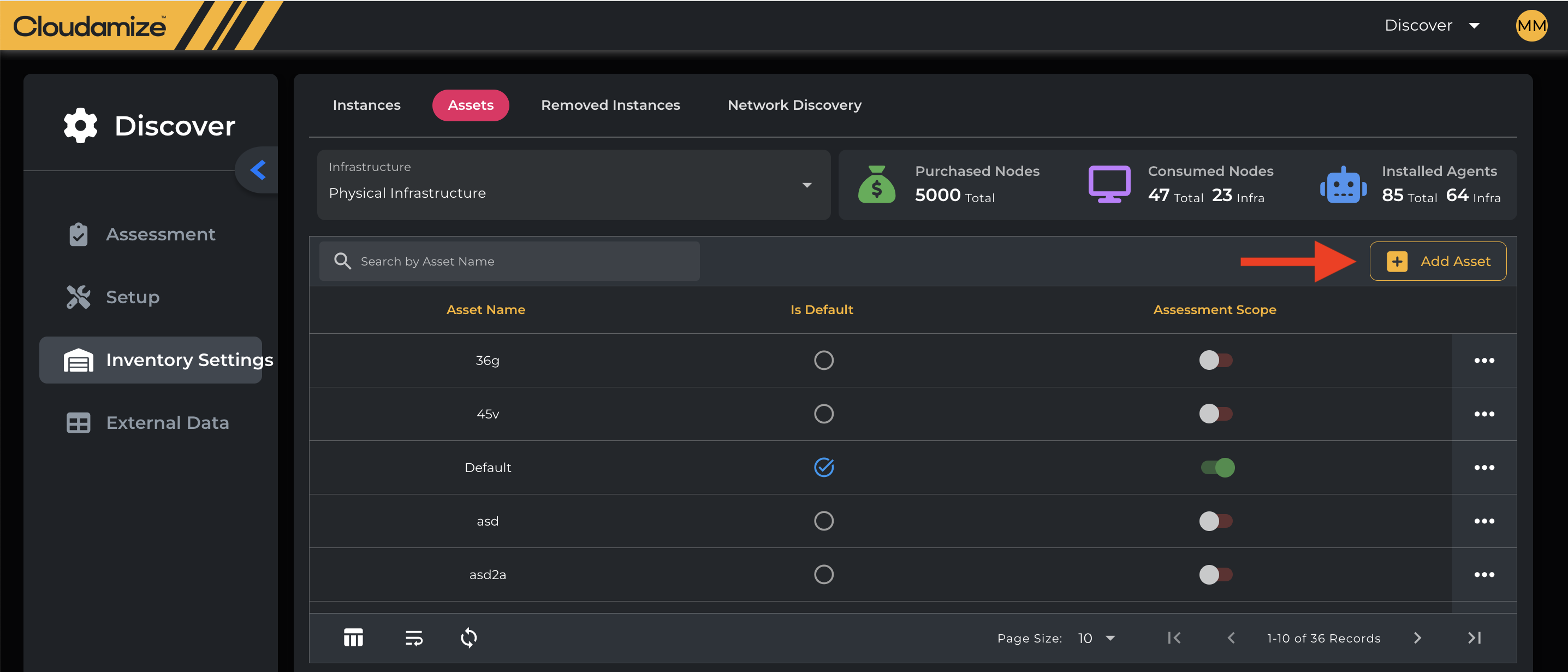
You can create and edit asset groups within the Assets tab. Asset groups make it easy to manage sets of machines during data collection and in the Migration Planner.
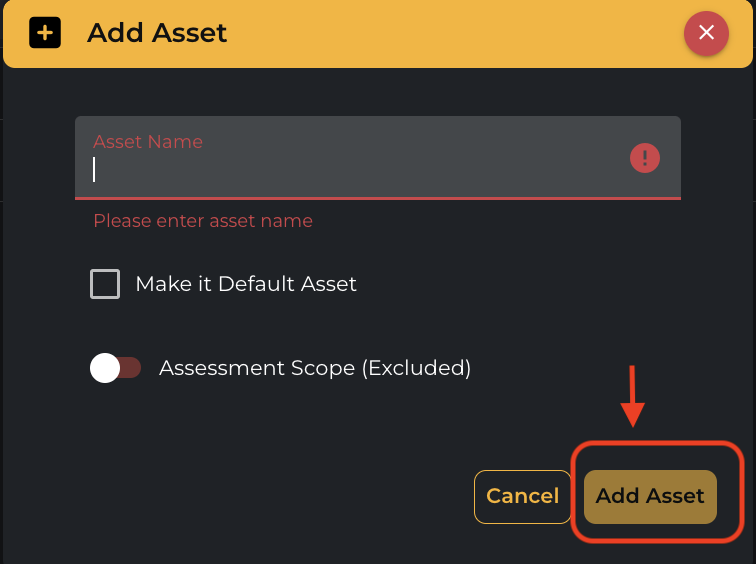
To create a new asset group, click Add Asset button, enter a name, toggle whether it should be in scope or excluded, and then click Add Asset.
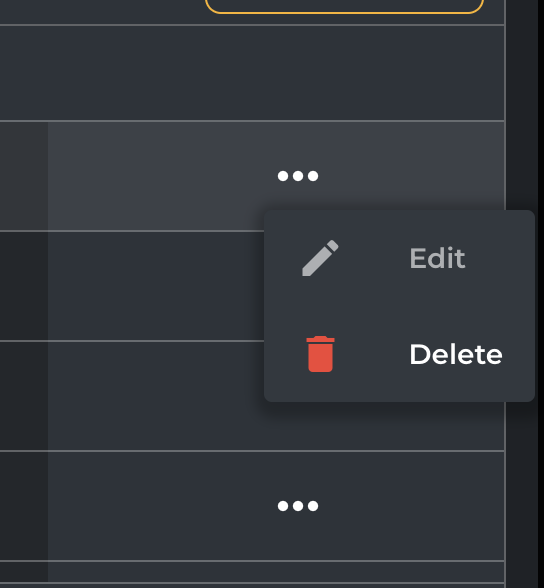
To edit or delete an asset group, click the three-dot menu next to it and select the option you need.
If you have any queries, please get in touch with the helpdesk via our Helpdesk Portal or by email at helpdesk@cloudamize.com.